FlashPaper: self-destructing notes with Docker
FlashPaper shares a password or a secret through a link that works once. What it does and how to run it with Docker Compose.
FlashPaper is a small open-source tool for self-destructing messages. You write a note, get a link and send it to the recipient. The note is destroyed after the first reading, so the secret does not stay in a chat history or a mailbox longer than necessary.
It is a good fit for passing passwords and other confidential data. The code is open, so anyone can check how it works and adapt it to their needs.
What you need
- A server with Docker and the Compose plugin
- A domain or subdomain pointed at the server
Install
Take the docker-compose.yml from the FlashPaper repository:
services:
  flashpaper:
    image: ghcr.io/andrewpaglusch/flashpaper:v2
    container_name: flashpaper
    restart: always
    volumes:
      - './data:/var/www/html/data'
    ports:
      - '8080:80'
    environment:
      SITE_TITLE: "FlashPaper :: Self-Destructing Message"
      SITE_LOGO: "img/logo.svg"
      DISPLAY_LOGO: "true"
      DISPLAY_TITLE: "false"
      RETURN_FULL_URL: "true"
      BASE_URL: "" # https://example.com/flashpaper
      MAX_SECRET_LENGTH: "3000"
      ANNOUNCEMENT: ""
      MESSAGES_ERROR_SECRET_TOO_LONG: "Input length too long"
      MESSAGES_SUBMIT_SECRET_HEADER: "Create A Self-Destructing Message"
      MESSAGES_SUBMIT_SECRET_SUBHEADER: ""
      MESSAGES_SUBMIT_SECRET_BUTTON: "Encrypt Message"
      MESSAGES_VIEW_CODE_HEADER: "Self-Destructing URL"
      MESSAGES_VIEW_CODE_SUBHEADER: "Share this URL via email, chat, or another messaging service. It will self-destruct after being viewed once."
      MESSAGES_CONFIRM_VIEW_SECRET_HEADER: "View this secret?"
      MESSAGES_CONFIRM_VIEW_SECRET_BUTTON: "View Secret"
      MESSAGES_VIEW_SECRET_HEADER: "Self-Destructing Message"
      MESSAGES_VIEW_SECRET_SUBHEADER: "This message has been destroyed"
      PRUNE_ENABLED: "true"
      PRUNE_MIN_DAYS: 365
      PRUNE_MAX_DAYS: 730
Set BASE_URL to the domain or subdomain where the service will live. By default it listens on port 8080; change the port in the same file if you need another one.
Start the container:
docker compose up -dFirst run
Point your domain or subdomain to the IP address of the server and open the site.
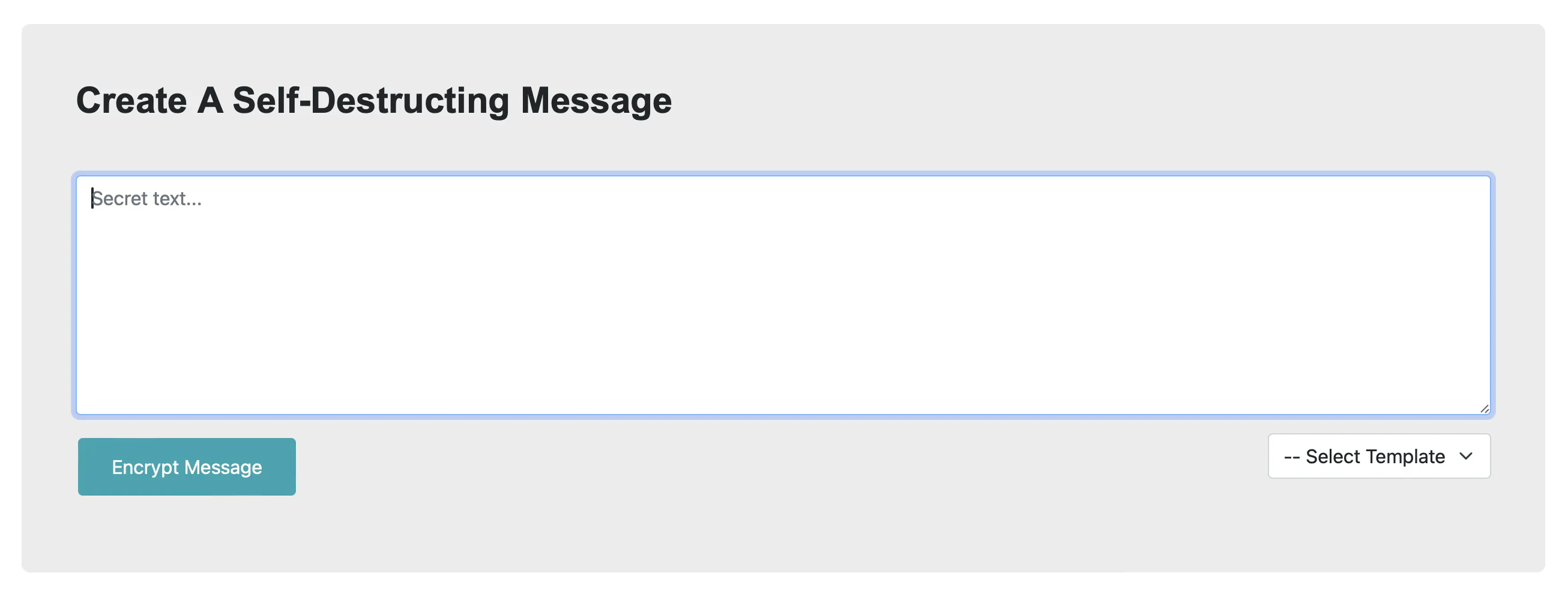
Enter the text you want to share and click “Encrypt Message”.
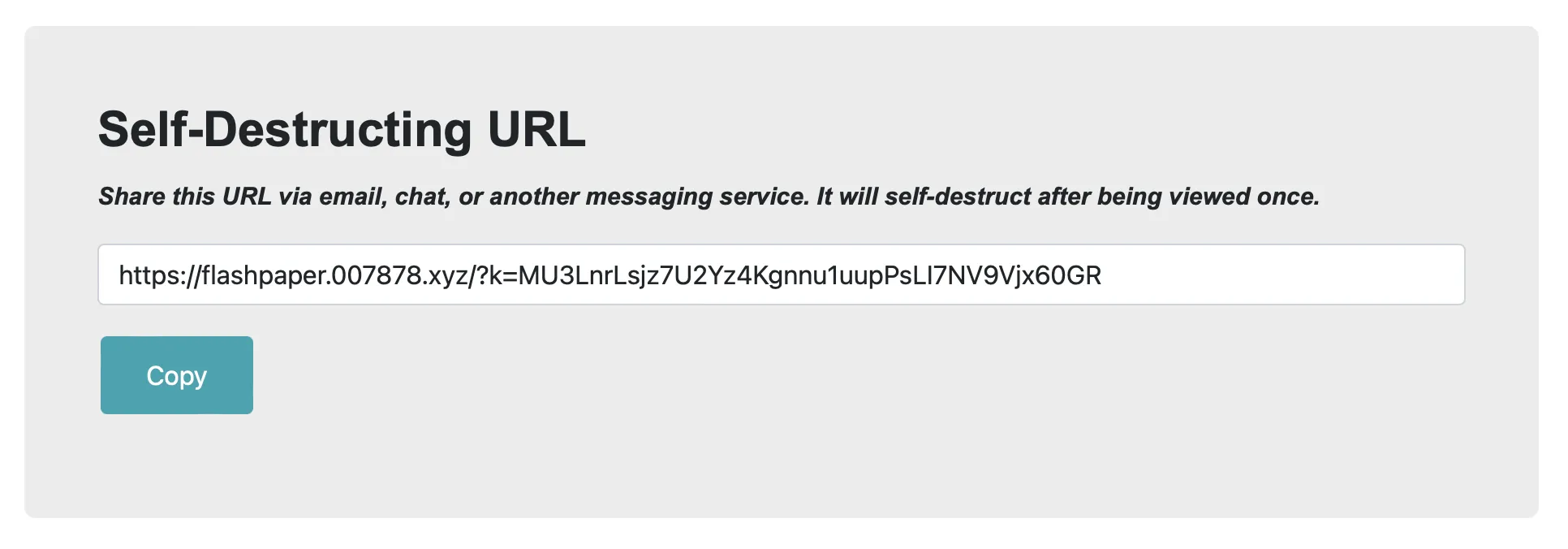
You get a link that works only once. Open it in a browser.

Click “View Secret” to see the content.
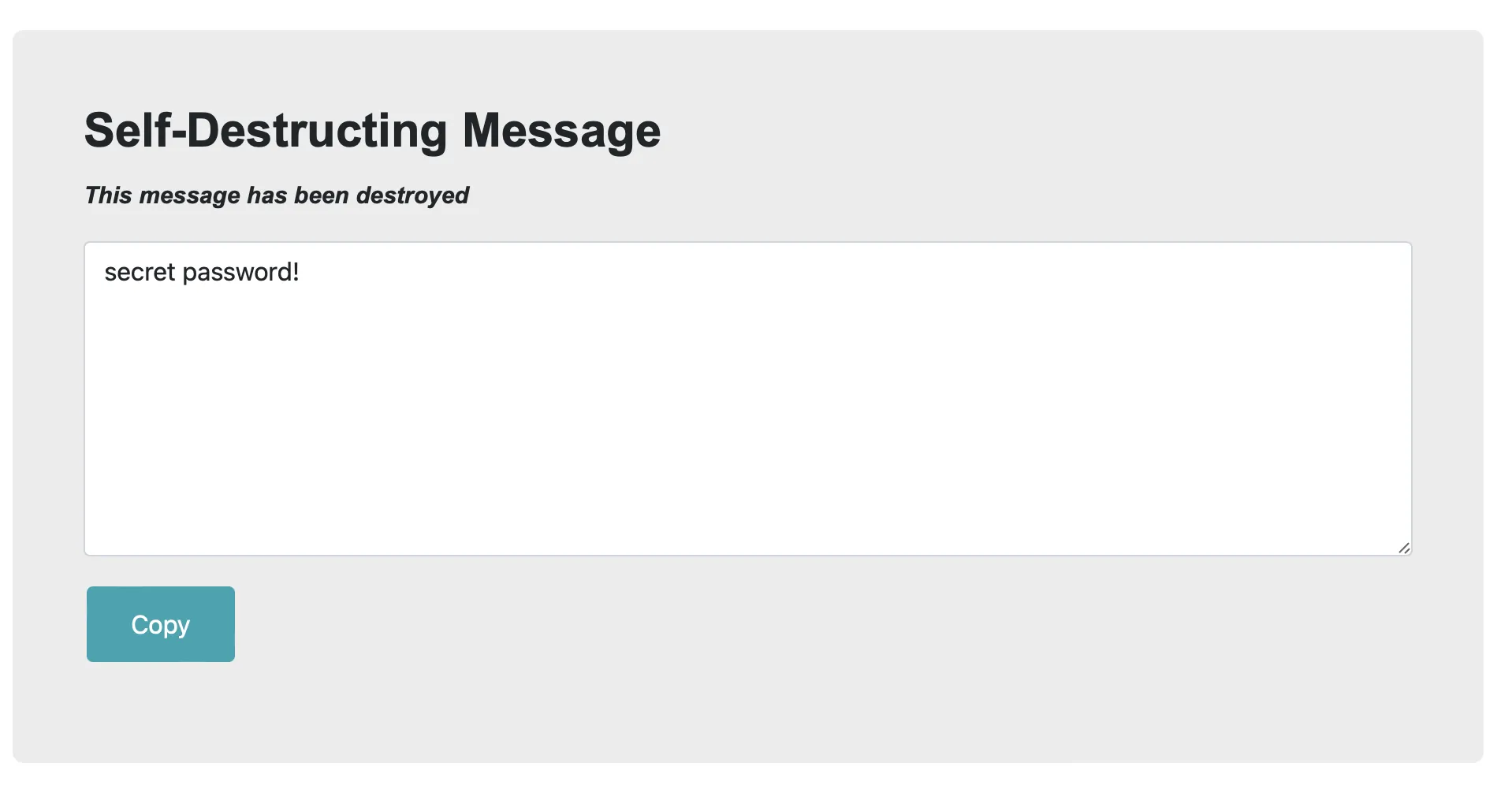
Opening the same link again shows that the secret no longer exists.